3 columns for Pinned Products

Nikdo_CZ
Nikdo_CZ · 2 months ago

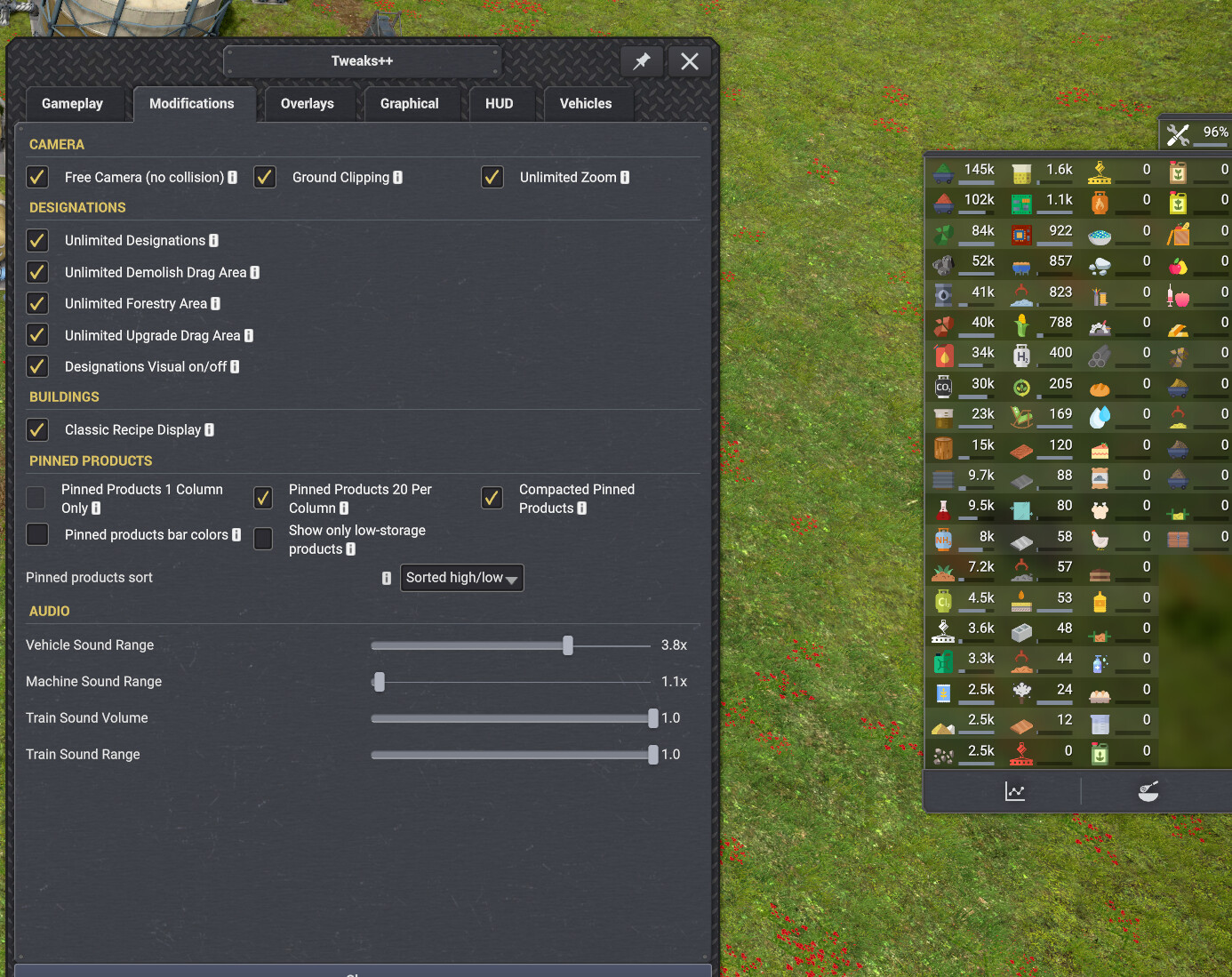
Hi, thanks for the great mod! Could you please add an option to manually set the number of columns (e.g., 3 columns) for Pinned Products?

Currently, on an ultrawide monitor (3440x1440), when using a Scale of 0 or negative values, the bounding box of the panel remains locked or just narrows down. The products keep overflowing past the bottom of the screen in 2 columns instead of automatically wrapping into a 3rd column, even though there is plenty of horizontal space available. A "Max rows per column" or "Force 3 columns" setting would completely fix this. Thank you!

Moriarty
Moriarty · 2 months ago

Nikdo_CZ wrote:

Hi, thanks for the great mod! Could you please add an option to manually set the number of columns (e.g., 3 columns) for Pinned Products?

Currently, on an ultrawide monitor (3440x1440), when using a Scale of 0 or negative values, the bounding box of the panel remains locked or just narrows down. The products keep overflowing past the bottom of the screen in 2 columns instead of automatically wrapping into a 3rd column, even though there is plenty of horizontal space available. A "Max rows per column" or "Force 3 columns" setting would completely fix this. Thank you!
Hi Nikdo_CZ and thanks!

Sure i can do that, weird tho since i have 21:9 ratio also. Just so i understand correctly you mean when pinning a lot of products this becomes a problem and a 3rd column would help with this?

Edited 2 months ago
Moriarty
Moriarty · 2 months ago

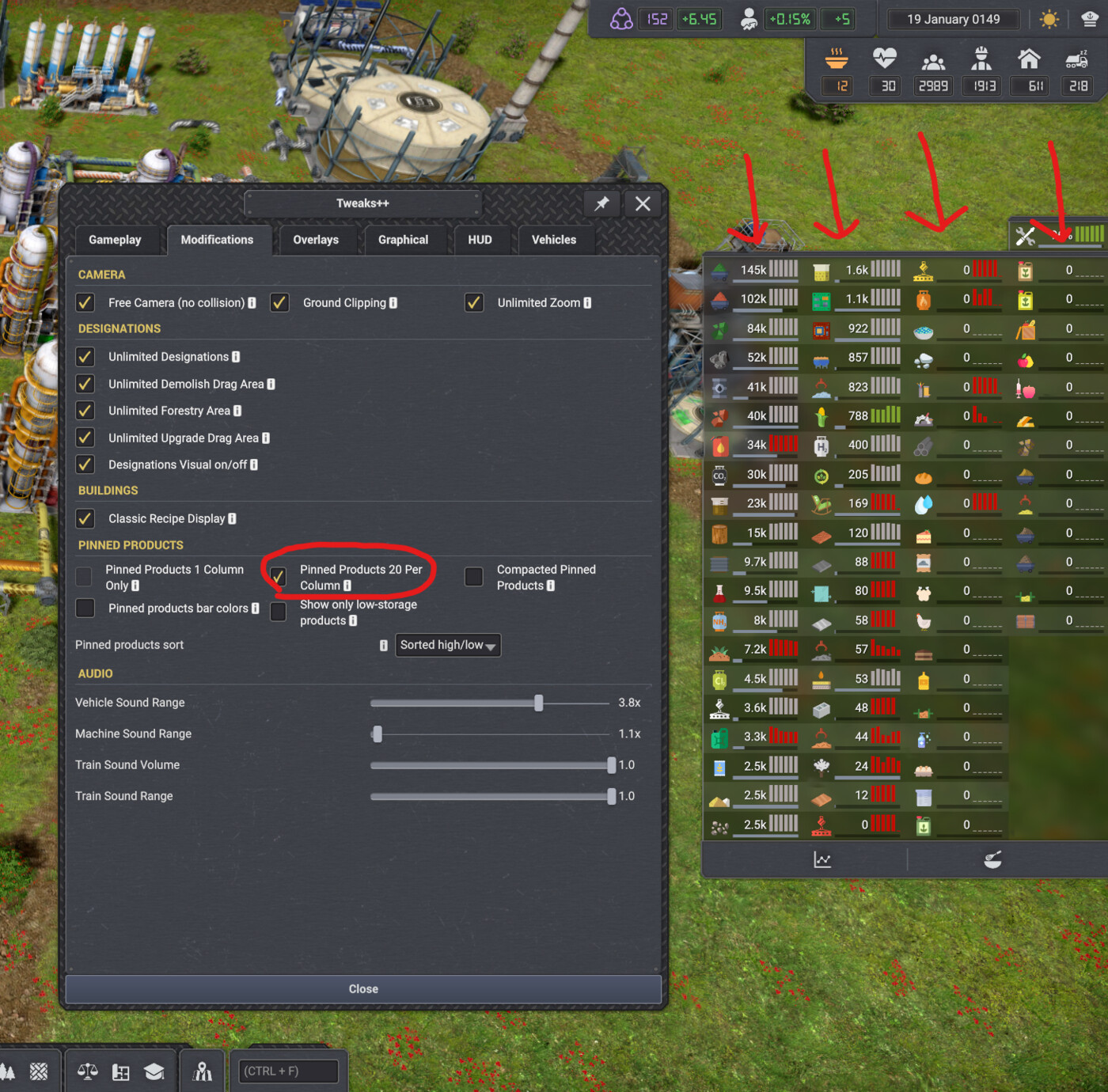
Have now added it and will come for this weeks update batch on friday. Combined with my compacted it will take up even less space on the screen. I also made sure to support up to 4 columns instead of just 3. 😊


image.png
image.png

Vladovlak · 2 months ago

Good job Moriarty, I just don't know if I'll live :)

😮 1
Nikdo_CZ
Nikdo_CZ · 2 months ago

Awesome, thank you so much!👍

👍 1
109
Showing 1–5 of 5